 StudyBuddyCST
Pick a topic
Open the exam study page and choose the competency or subtopic that needs more practice.
Mini Quiz Guide
Mini Quizzes are for focused repetition. Students should use them when they want to practice one competency, one subtopic, or a small set of skills without sitting for a full exam.
StudyBuddyCST
Selected subtopics - timed or untimed
Focused Practice
Open the exam study page and choose the competency or subtopic that needs more practice.
Use the quiz builder to select targeted questions instead of taking every topic at once.
Treat each question like feedback. Notice the skill being tested, not just whether the answer is right.
After the quiz, read the explanations and write down the pattern behind any missed questions.
Come back to the same topic after a break so the skill sticks beyond one practice session.
What It Looks Like
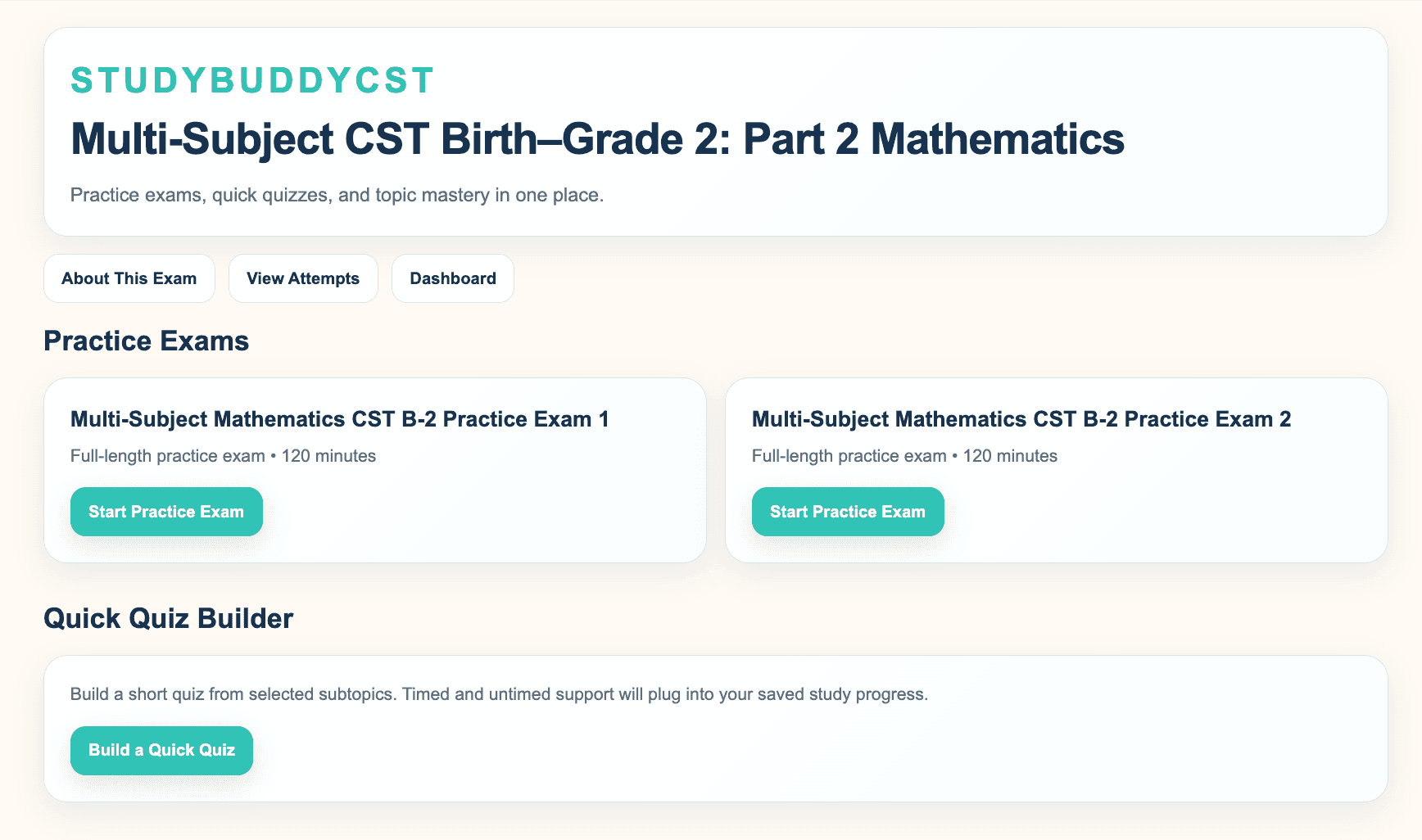
Students can use the study page to move from broad exam prep into more focused topic practice.
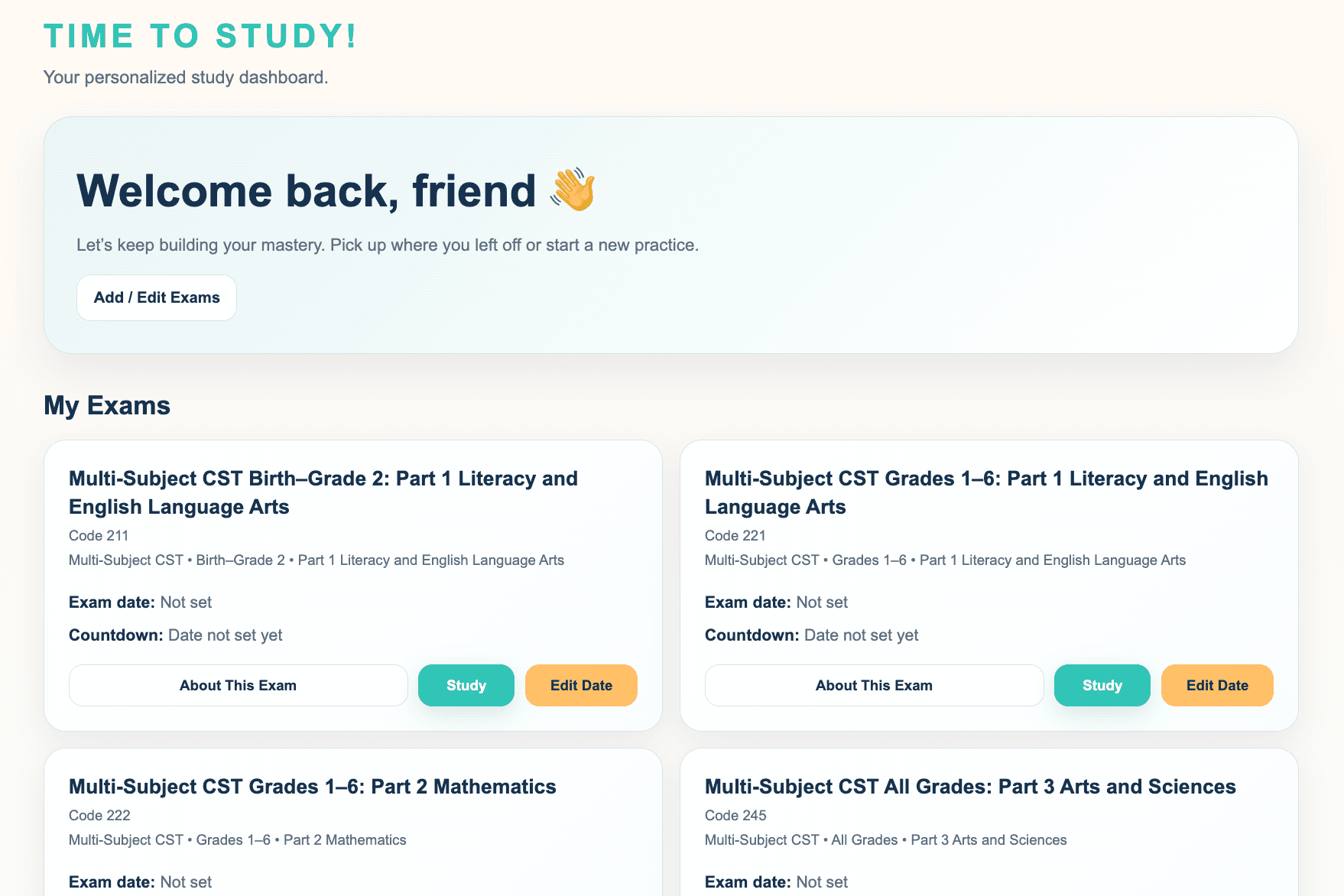
The dashboard keeps the student oriented after short practice sessions.
When To Use It
Mini Quizzes are the best tool after a student already knows what needs work. They keep practice short, specific, and easier to repeat.
Use mini quizzes after a full exam shows which subtopics need attention.
Use short quizzes when a student has limited time but still wants meaningful practice.