 StudyBuddyCST
Check after each session
After an exam or quiz, look at progress by competency and subtopic instead of only the total score.
Progress Tracking Guide
Progress tracking helps students turn practice into a study plan. The goal is to notice patterns, choose the next best topic, and measure improvement over time.
StudyBuddyCST
Answered questions - proficiency by topic
Use The Data
After an exam or quiz, look at progress by competency and subtopic instead of only the total score.
Notice whether misses are coming from one topic, one question style, pacing, or careless errors.
Use lower-scoring subtopics to decide whether to review questions, build a mini quiz, or retake a full exam later.
Progress should be judged across multiple attempts. One rough quiz is useful information, not a final verdict.
Keep strengthening weaker areas while occasionally revisiting stronger topics so skills stay fresh.
What It Looks Like
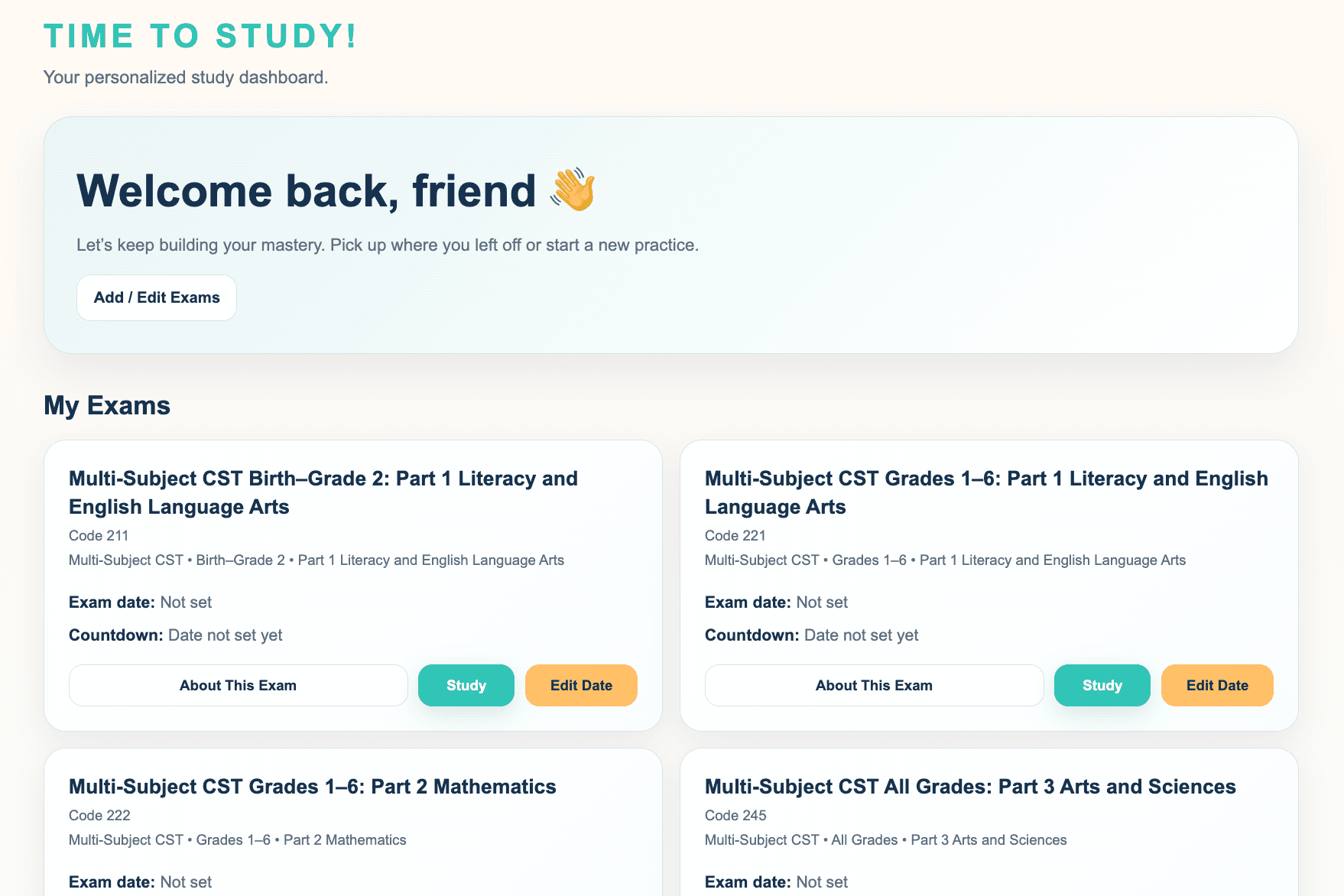
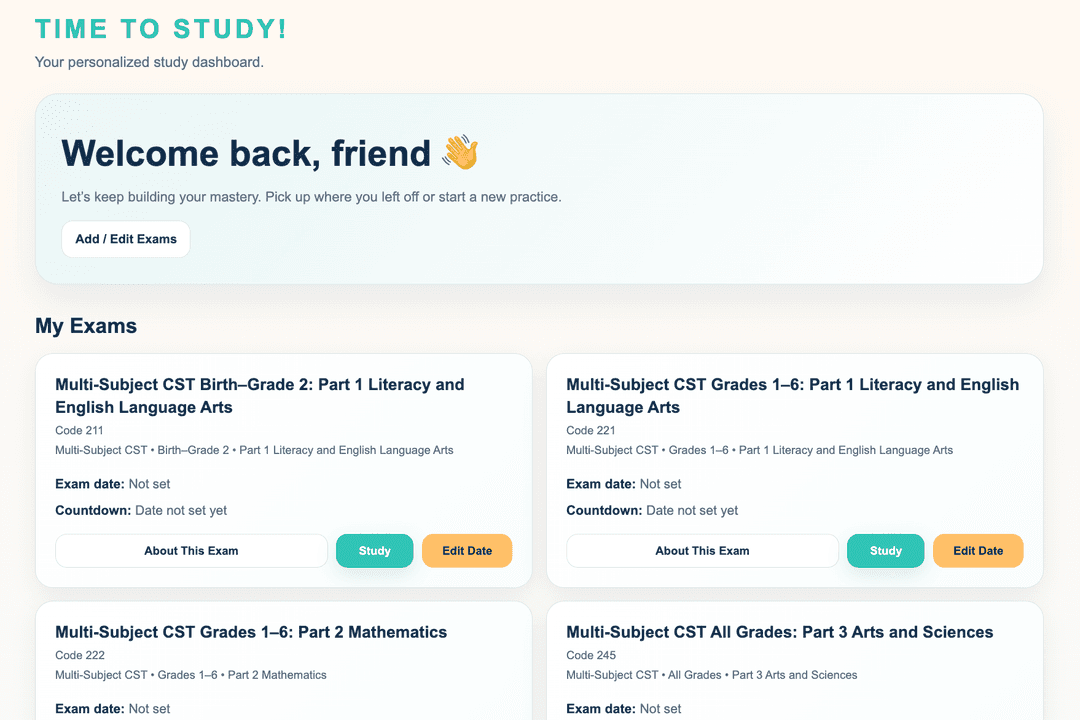
The dashboard gives students a home base for their exams, study status, and next steps.
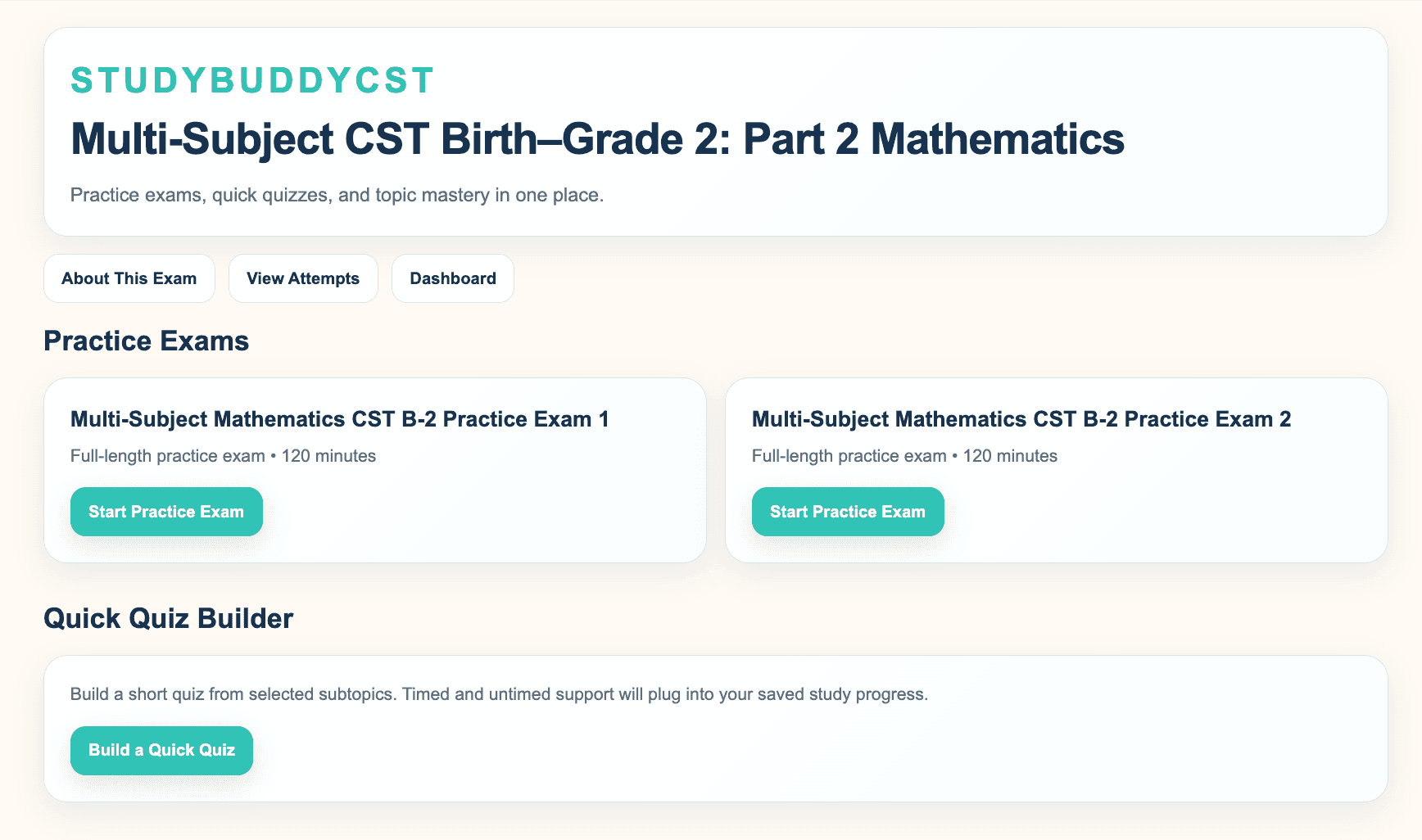
Students can connect their practice history to the competencies and subtopics that need attention.
When To Use It
Progress Tracking is most useful when it guides action. It should help students decide what to review next, not just report what already happened.
Use topic progress to decide which competency deserves the next study session.
Use repeated attempts to show growth that may not be obvious after one practice session.